
Your records stay on your computer
Statements, transactions, budgets, goals, and reports live in the desktop app—not a GODFIN transaction cloud.
Track expenses, understand your choices, and build financial discipline with reliable local calculations and optional AI explanations. Core money tools continue to work without AI.
Selected beta: Apple Silicon Mac and Windows x64 · public downloads are not open yet
Tell us about your computer and what you want help understanding. We will confirm your email, then invite a focused group whose needs match the current beta.
Loading the early-testers form…
“I built GODFIN because my income kept going up—and somehow my spending followed. I wanted a clearer answer than another spreadsheet, without handing a company my bank history.”
Built for the moment after you download a statement and think, “Where did my money go?”
See how it worksStart with the outcome. The technical detail is there when you want it.
Statements, transactions, budgets, goals, and reports live in the desktop app—not a GODFIN transaction cloud.
Fix a category, inspect why it was chosen, and let confirmed merchant memory help next time.
Bring in supported Gmail transaction alerts or preview selected HDFC, SBI, and Kotak statement formats before any row becomes part of your month.
Add cash or a recent payment manually, then reconcile it when the official statement arrives.
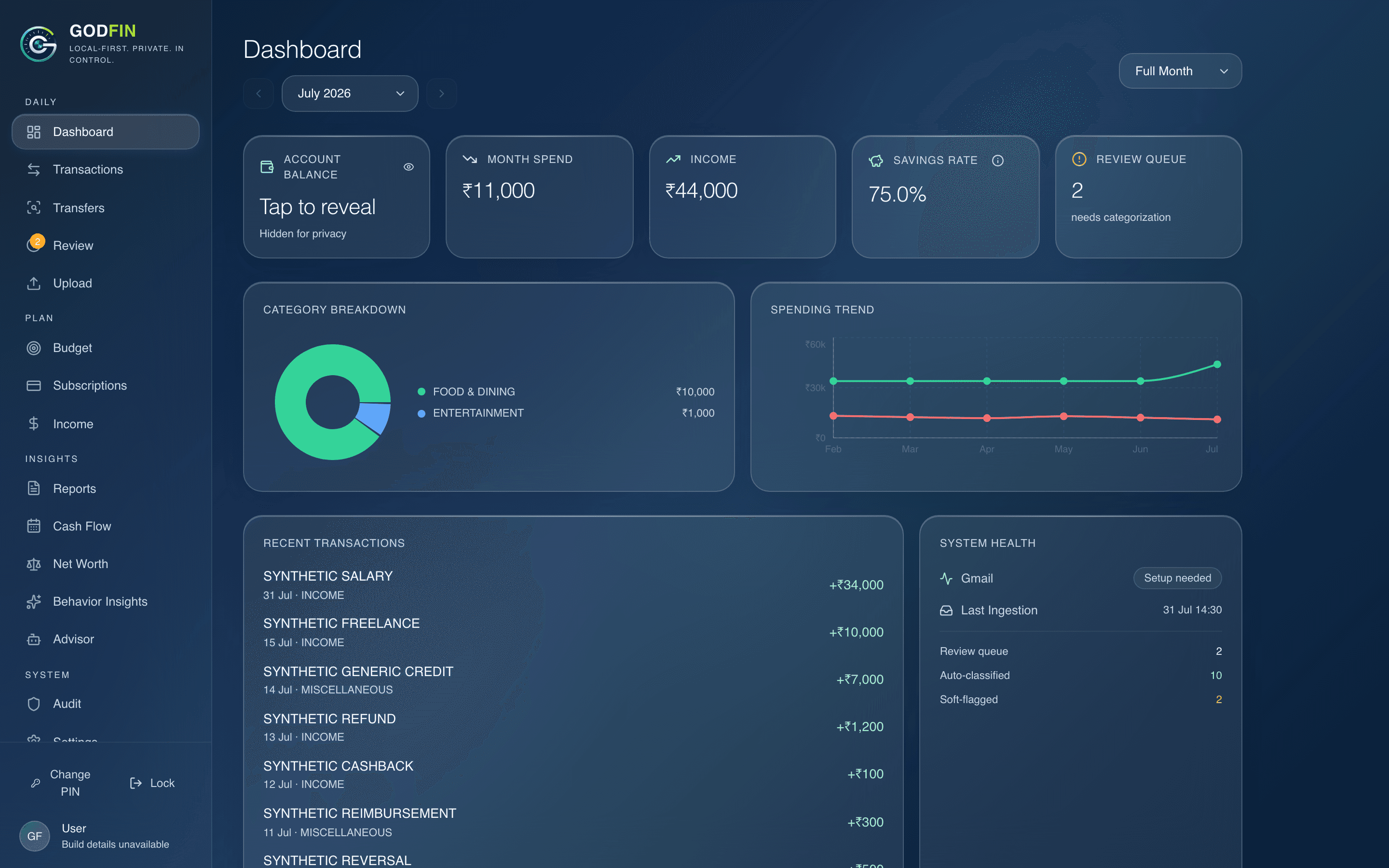
See money in, spending, regular payments, goals, and category pressure without building a pivot table.
Plain-language explanations sit beside calculations, while Max adds evidence-backed money-behaviour reflections.
Preview a supported statement or quickly add a recent cash or card payment.
See why something was sorted, correct it, and keep the review queue small.
Check a regular bill, move a goal forward, or read one evidence-backed insight.
The first tester builds focus on Mac computers with Apple chips and Windows PCs. Current verified formats include selected HDFC savings and credit-card statements, SBI savings relationship statements, and Kotak savings.
Read current limits →